Direct answer
What is the best client inquiry tracker for a solo service business?
The best first choice is usually a lightweight tracker or spreadsheet if one person handles all replies. Move to a CRM when follow-up timing, ownership, quote stages, reporting, or integrations are creating measurable lost work.
Selection note: the best tool depends on ownership, reminders, reporting, export needs, and handoff complexity.
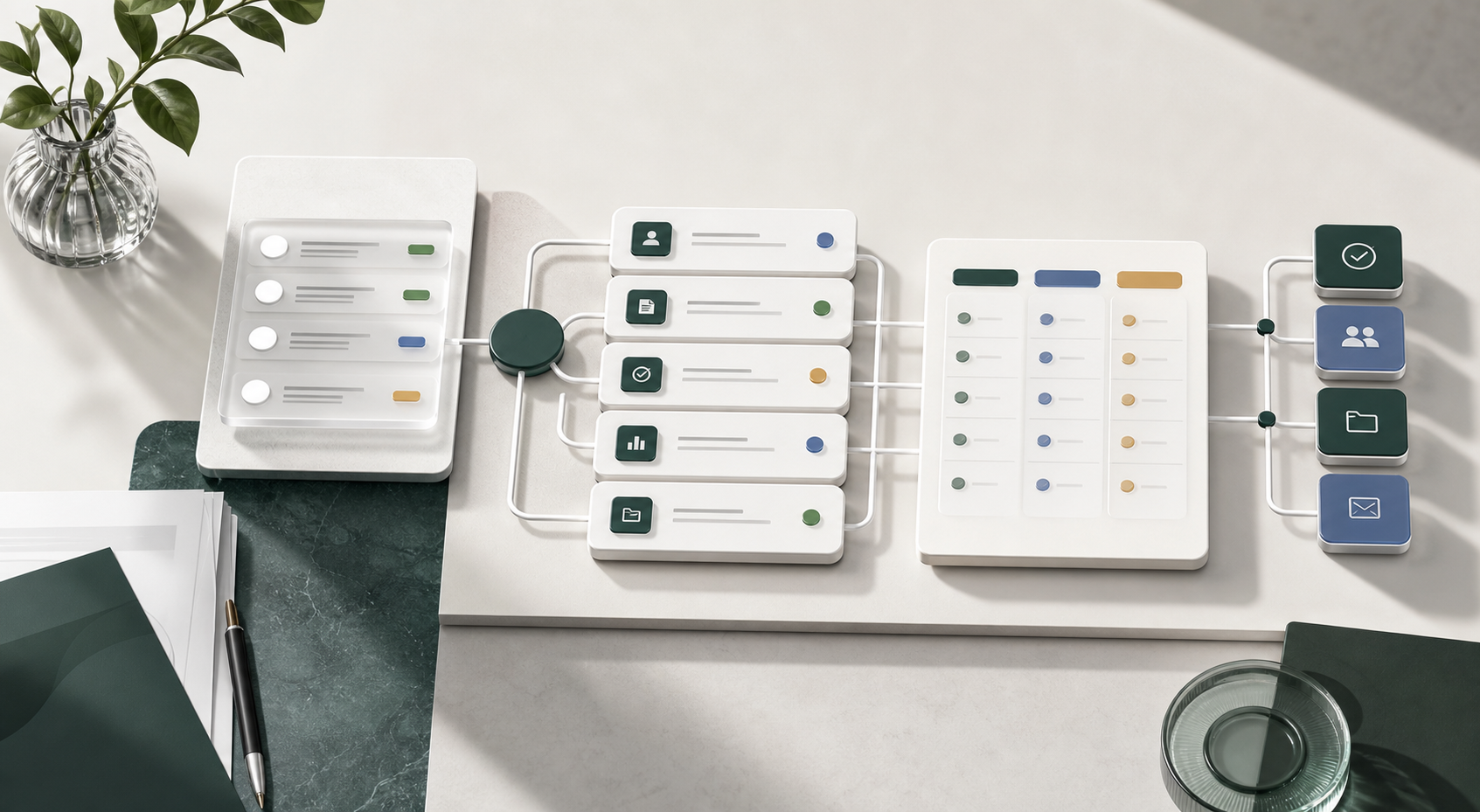
Fast Recommendation
If you are a solo service business and inquiries still arrive from a few channels, start with a lightweight tracker. Upgrade only when you need assigned ownership, automated reminders, pipeline reporting, or team-wide visibility.
| Situation | Best fit | Why it fits | Watch out for |
|---|---|---|---|
| 1 person, 1 to 3 inquiry channels | Browser tracker or spreadsheet | Fast setup, low cost, no heavy process. | Manual follow-up discipline. |
| Recurring follow-ups and quotes | Lightweight CRM | Status, reminders, and pipeline views reduce missed replies. | Overbuilt fields that slow daily use. |
| Many form submissions | Form plus table workflow | Structured intake data is captured at the source. | Bad forms can reduce conversion. |
| Multiple people reply from one inbox | Shared inbox or help desk | Ownership, collision prevention, and response history matter. | Support tools can feel too heavy for sales intake. |
How To Score Tools
Score each candidate against the work that happens every week, not the feature list on a pricing page. A tool with fewer features can be better if it makes the next action obvious.
- Capture: can you record source, summary, fit, owner, and reply status quickly?
- Follow-up: does the next action stay visible without hunting through notes?
- Privacy: can you avoid storing unnecessary personal or sensitive data?
- Exit path: can you export rows if you outgrow the tool?
- Adoption: can the busiest person on the team use it on a bad day?
When A Free Tracker Is Enough
Use a free tracker when the main problem is scattered notes, not team coordination. You need date, source, anonymous client label, short summary, status, priority, and next action. That is enough to stop many missed replies.
Try Client Inquiry Tracker Lite if you want a no-login starting point. Export CSV when you need a backup or a spreadsheet handoff.
When To Upgrade
Upgrade when the cost of missed follow-ups is higher than the cost of software. Common triggers include multiple responders, quote stages, long sales cycles, scheduled reminders, reporting, and integrations with forms, calendars, or billing systems.
Decision Checklist
- If inquiries are low volume and personal, start simple.
- If follow-ups are the main failure point, pick reminder strength over design polish.
- If a team shares one inbox, prioritize ownership and reply history.
- If you need reporting, define the decisions the report must support before buying.
- If a vendor claims AI features, check whether those features save daily handling time.
Software Next Step
If the method itself is still unclear, use Small Business Lead Tracking Methods Compared before looking at categories. If at least two upgrade signals are true, continue to the client intake software shortlist. Use that page to compare the next system category before starting any trial.
Related Free Assets
- CRM vs Shared Inbox For Client Inquiries for separating reply coordination from pipeline visibility.
- Small Business Lead Tracking Methods Compared for choosing the method before choosing a tool category.
- Client Inquiry Tracker Lite for browser-only tracking.
- Client Follow-Up Reminder Template for a simple daily review habit.
- Free Business Tools Hub for the current GOZEN tool set.